Introduction
Technical documentation is the backbone of any successful project, particularly in software development. It serves as a comprehensive guide for understanding, installing, using, and maintaining applications.
However, many teams struggle with documentation, often viewing it as a tedious or low-value task.
In this article, I try to explain common documentation “diseases” I observed in my career by describing fictitious stories. For each of those stories, I then describe potential solutions to avoid those problems.
Actors
For the sake of the stories, let’s introduce some fictitious actors who will be involved in the different stories: Anna, Joe, Julia, Jack, Kate and Franck.
The purpose is just to have human characters, those one will be interchangeable in the different stories and will not always have the same role.
The tool sprawl
 Image generated with AI
The (not) funny story
Kate is a freelance consultant, she just arrived in the company and needs to access to the documentation written by several teams (the network team, the platform team, the security team and several business teams).
She asks the architect who onboards her about the link to the documentation. He explains that the company fosters autonomy, so each team is free to write documentation in the tool they prefer.
Kate decides to contact the Product Owners of each team; she obtains links to documentation written in the following tools:
- The network team sent a link to a Google drive folder containing a mix of Docs and Slides documents without any index or apparent structure.
- The platform team sent a link to static site generated with Docusaurus and hosted on an Amazon S3 bucket.
- The security team considers it does not need too much documentation and sent a link to a Slack channel mainly using Slack canvas to write documentation.
- The business team 1 sent a link to a GitHub repository containing Markdown files.
- The business team 2 sent a link to Datadog, it mainly uses Notebooks to write documentation and is happy with it because it’s near its monitoring tools.
- The business team 3 sent a link to a GitHub repository mainly using GitHub Discussions and Wikis
- The business team 4 sent a link to Confluence
- Etc.
So now Kate is a little lost, she decides to create an organized list of bookmarks in her internet browser to have some sort of logic in this mess.
She had to reach out to several Product Owners just to get links to documentation. She lost time obtaining them and now spends even more time searching across tools with inconsistent search capabilities.
She regularly bothers the Product Owners to ask for additional information, most of the time this information is inside one document but she could not find it.
How to avoid it?
The point here is that if you let your employees freely write documentation in all the tools you have which provide documentation capacities, you’ll quickly accumulate significant documentation debt, duplicated information, and confusion for employees, making it nearly impossible to find critical information when needed.
The previous example was based on one set of tools, but if you take another set of tools in another company you’ll reach exactly the same conclusion.
To prevent this effect I advise to take “strict” decisions from the very beginning of your documentation strategy:
- Pick only 2 (or maximum 3) “main” tools and link them to very clear criteria to let your employees know without any doubt when to write in tool A and when to write in tool B.
- Firmly discourage the adoption of unapproved tools, regularly reinforce the reasons behind this policy, and avoid trendy or groundbreaking alternatives.
- Try to disable as many documentation features as possible if they are not part of the “main” tools chosen in the enterprise.
- Even if you use 2 / 3 “main” tools elect one to act as the unique entry point to the whole enterprise documentation in such a way that only one link can be shared easily
Ideally those decisions should be clearly written in some sort of ADR (Architecture Decision Record) or an approved RFC (Request For Comments) to set it in stone and to be able to refer to it when you need to explain it again or prevent somebody from deviating from it.
For the first decision what I mean by criteria is just the fact that a document having a specific characteristic must be written in a clearly identified tool. Document and communicate this mapping clearly to all employees, and reference it in the ADR or RFC to ensure consistency.
As an example, let’s suppose that our company chose to use Material for Mkdocs and Confluence as the 2 main tools for documentation. The company uses GitLab for code repositories and prefers Markdown files for documentation.
Here is an example of mapping we can define between the document types and the tools:
| Document type | Chosen Tool | Why? |
|---|---|---|
| Onboarding documentation | Material for Mkdocs | Needs code review |
| Application user guides - functional | Confluence | Non-technical people do not use Git. |
| Application user guides - technical (for example installation guides) | Material for Mkdocs | Needs code review |
| Technical documentation (i.e. architecture, design, code samples, etc.) | Material for Mkdocs | Needs code review |
| Runbooks and Playbooks | Material for Mkdocs | Needs code review |
| APIs documentation | Material for Mkdocs | Needs to be near the / integrated into the technical documentation. |
| Terraform modules, Ansible roles documentation | Material for Mkdocs | Needs to be near the / integrated into the technical documentation. |
| ADRs (Architecture Decision Records) | Confluence | Needs a collaborative comment mechanism. |
| RFCs (Request For Comments) | Confluence | Needs a collaborative comment mechanism. |
| Postmortems | Confluence | Needs a collaborative comment mechanism. |
| Application technical setup (i.e. Makefiles, CLI commands using dev tools, etc.) | GitLab README.md |
Needs code review + fast setup locally. |
| Application release notes | GitLab releases | Usage of native feature of Gitlab. |
The first mapping is generally not perfect, you can miss some document types, it’s not a problem, feel free to add more document types if you see few deviations from the reality of your company. You can also add a note like this one to encourage your employees to propose updates of the mapping if they see some missing document types:
If you feel the table misses some documentation types please contact the guild of the architects to propose an update of the table and the mapping (you can submit a pull request in advance).
To stress the point it’s also a good idea to add a clear note to forbid writing documentation in any other tool.
Avoid writing documentation in tools outside the approved list (e.g., Material for Mkdocs and Confluence) unless explicitly authorized for temporary use.
For example, refrain from using the following tools for documentation (this list is non-exhaustive): Google Docs, Google Sites, Slack channels and threads, GitHub Wikis and Discussions, ServiceNow description fields, or Datadog Software Catalog description fields.
The detractor
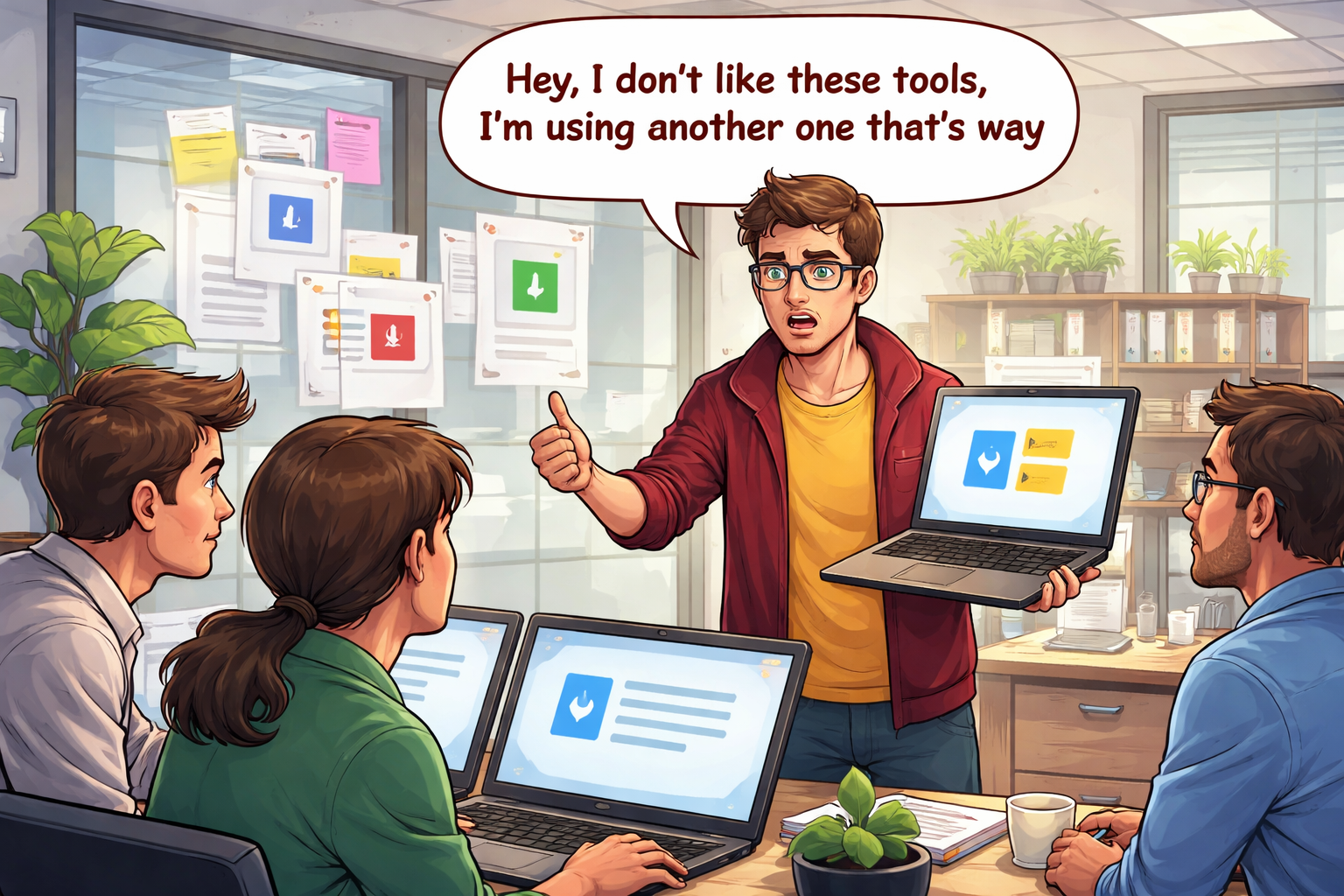 Image generated with AI
The (not) funny story
On day one, the company (or the IT department) was small, and a few people chose a primary documentation tool for good reasons. Time passed, everyone used the tool correctly, and everything worked fine. Occasionally, some people noticed minor limitations in the tool, but these were not significant enough to justify a change. They accepted them and continued using the tool.
Until one day, Jack, a new senior employee, arrived. He was highly skilled, articulate, and eager to share advice. A few days after his arrival, he said, “Hey, I don’t like this documentation tool. I’m used to another one that’s way better!”
His colleagues were slightly surprised. They knew the current tool wasn’t perfect, but it did the job well—it allowed them to write documentation efficiently, and its search functionality was decent.
They tried to reason with Jack, but he seemed convinced his preferred tool was superior and that the company should adopt it. They let him proceed. Jack set up the new tool and began writing documentation in it.
Then, the problems started—insidiously. The company now had two documentation tools and two places to search for information.
- Employees became confused about where to find documentation and which tool to use for what purpose.
- Maintenance efforts doubled.
- Almost all employees knew the old tool, but only a few “informed” employees were familiar with the new one. Jack had encouraged some teammates to use it but hadn’t had time to raise awareness across the entire company.
- A migration was planned but never completed due to a lack of time and motivation.
- Employees who had previously written high-quality, well-organized documentation began receiving questions they hadn’t encountered before. “Where is this doc?” The document had always been in a well-known location, but some new employees struggled to find it.
How to avoid it?
Sometimes, the arguments of this new employee are legitimate, but often, they concern “minor issues” that could be resolved with minimal effort—issues not significant enough to justify switching tools. Other times, the employee is simply accustomed to the tool used in their previous company, is attached to it, and hasn’t taken the time to master the new one (or doesn’t wish to). Alternatively, a trendy new tool may have appeared on the market, and the employee is excited to try it.
Always remember: what matters most is not the tool but the documentation itself! You can write excellent documentation using older, “old-school” tools, just as you can produce poor documentation with the best and most modern tools available.
Be extremely cautious when encountering this situation in your company. Try to understand the underlying reasons and find a solution that benefits the company as a whole—not just the new employee.
In my opinion, the best way to avoid this problem is to direct the new employee to the ADR or RFC that defined the documentation strategy, as discussed in the previous section (see The tool sprawl).
While changing the documentation tool is usually not advisable, there are cases where it is necessary.
If you genuinely believe a change is required, consider the following key points:
- Do not underestimate the difficulty. The cost of such changes is typically high due to the volume of existing documentation.
- Plan the migration carefully. Ideally, you should have a simple mechanism to automate the migration of pages (AI-assisted migration can be helpful).
- Track the migration progress. Do not stop until everything is migrated and the old tool is decommissioned (otherwise, you risk falling into the tool sprawl trap).
- Communication is critical. Present the change to your colleagues, explain how the new tool works, how the migration will proceed, and what they need to know.
The absent owner
 Image generated with AI
The (not) funny story
The documentation page without owner
Anna is onboarded as a backend developer in a team tasked with writing a new microservice to manage payments. She is a conscientious developer and wants to ensure her application logs are correctly formatted to comply with the company’s logging standards.
She finds a documentation page about logging standards, but it shows an update date from over three years ago and lists no contact person. She asks her colleagues about it, and one responds: “Ah yes, this page is really old. I think it was written by Joe, a consultant who no longer works here. We should still follow what’s described, but there’s a good chance the architects have changed some things since then. I’d advise you to contact Julia, the chief architect—she’ll probably guide you to a more up-to-date document.”
The documentation tool without owner
The company where Joe works uses a static site generator to publish documentation. The tool was set up years ago by Franck, who has since left the company. Since then, several teams have made minor improvements to its setup, but no one has taken ownership of its maintenance. After more than five years, the security team grows concerned because the tool relies on software libraries with numerous CVEs.
The security team attempts to find an owner, but no one is willing to take responsibility. Managers keep passing the buck, as the IT department never allocated a budget for maintaining the documentation tool.
How to avoid it?
The documentation page without owner
Documentation must be “living”—it must be regularly updated and maintained. Without an owner, it quickly becomes outdated, accumulates debt, and may even contain false or misleading information, which can be dangerous.
This problem can be mitigated with the following strategies:
- Ensure every documentation page is owned by a specific team, never by an individual who might leave the company.
- Structure the documentation so ownership is intuitive. Templatize pages to explicitly mention the owner at the beginning.
- If documentation is published in a monorepo, use Code Owners to clarify responsibilities.
- Use your Software Catalog or CMDB to identify all applications in the enterprise. Ensure each has an owner, and structure the documentation to mirror the services/applications registered in the catalog.
- Use site analytics to track which pages are actually viewed. For example, Material for MkDocs natively supports Google Analytics and includes a feedback widget to gauge usefulness. For sovereign alternatives, consider European options. As a last resort, a simple JavaScript snippet can push page-view metrics to your observability platform. Regularly review this data to identify and address dead pages.
For documentation structure, separate service/application/product documentation from transversal documentation. Each service should have its own “sub-site” managed by a dedicated team. If this aligns with your Software Catalog or CMDB, you can ensure ownership for these sections.
Transversal documentation is trickier, but you can organize it by job roles and responsibilities. For example, communities of architects, SREs, or other cross-functional groups can own relevant sections.
Here’s a sample structure:
root
 |- Onboarding             # Owner(s): HR, Managers, IT department
 |
 |- Services
 |  |- service-1           # Owner: Team associated with the service in the Software Catalog
 |  |- service-2           # Owner: Team associated with the service in the Software Catalog
 |  |- service-3           # Owner: Team associated with the service in the Software Catalog
 |  \- ...
 |
 |- SRE
 |  \- Postmortems         # Owner(s): Community of SREs + Architects
 |
 \- Architecture
     \- ADRs               # Owner: Community of Architects
Each service or product is managed by a specific team, ensuring clear ownership. Transversal documentation is owned by cross-functional groups.
If the number of services grows, the structure can become cumbersome. In such cases, consider refactoring it. If teams are stable and employees can easily identify which team owns which service, you might organize it by team:
root
 \- Services
     |- Team A
     |   |- cart-api
     |   |- payment-api
     |   |- ...
     |   \- accountability-app
     |
     |- Team B
     |   |- user-api
     |   |- customer-api
     |   |- ...
     |   \- mobile-app
     |
     |- ...
     |
     \- Team X
However, organizing by team can be risky if teams frequently change. Without an efficient mechanism to rename teams or transfer ownership, a structure based on “service types” or “domains” may be more stable:
root
 \- Services
     |- Business services
     |   |- Cart API
     |   |- Payment API
     |   |- ...
     |   \- Accountability app
     |
     |- Platform services
     |   |- CI/CD platform
     |   |- Observability platform
     |   |- ...
     |   \- Artifact repository
     |
     |- Data services
     |   |- Data Lake
     |   |- ...
     |   \- EMR Offer
     |
     |- Security services
     |   |- Bastion service
     |   |- ...
     |   \- Vault
     |
     |- Network services
     |   \- ...
     |
     \- ...
Documentation tools owners
The second challenge of ownership involves the documentation tools themselves.
There are generally two types of tools:
- SaaS tools (e.g., Confluence, Notion): These are easier to maintain and require minimal technical skills or effort. The primary challenge is managing the number of licenses to prevent costs from silently increasing.
- Self-hosted tools (e.g., MkDocs, Docusaurus): While these may appear cheaper upfront, they demand significant maintenance effort and technical expertise, which translates to higher human costs. They also introduce greater security responsibilities, as their dependencies must be continuously updated to mitigate vulnerabilities. Automating updates with tools like Dependabot or Renovate is highly recommended.
Regardless of the tool you choose, it must be treated as a fully-fledged product in your Software Catalog or CMDB. Assign it to a dedicated team with clear responsibilities and objectives to ensure proper management.
The update hell
 Image generated with AI
The (not) funny story
You have a great static documentation system that renders beautiful, well-structured, and up-to-date documentation. Everything seems perfect.
A new developer, Joe, joins the company. He completes his team onboarding and learns that documentation is managed via docs/**/*.md Markdown files and updated through Merge Requests in a Git repository.
However, no one explains how to render the documentation locally, and there is no standardized or well-known method for doing so.
Joe feels uneasy. He worries about breaking the documentation’s rendering if he makes a mistake in the Markdown files. As a conscientious developer, he searches the internet for solutions to set up a local rendering. After finding one, he spends a few hours configuring it on his machine.
While Joe eventually succeeds, he has wasted significant time on a simple documentation update. This is not an efficient use of his time for the company. Additionally, the poor experience may discourage him from engaging with the documentation strategy in the future (see I hate this doc tool, mine is way better!).
A week later, Jack joins the company. He also needs to update the documentation. Unlike Joe, Jack is less meticulous and more stressed about his new role. He views documentation as a “side task” and is frustrated by the lack of an easy way to preview his changes locally. Instead of investing time in setting up a local rendering, he quickly submits a Merge Request without thorough testing. His colleagues review the content—at least superficially—and approve the update.
Unfortunately, the update breaks several tables in a critical documentation page. Anna, a long-time employee, has seen this issue before, but now it affects a high-visibility page.
This creates two additional potential distractions for the documentation tool, even though the root cause is not the tool itself but the lack of “developer experience” facilities and guidance from colleagues.
Franck, who has been with the company for several months, has observed the same issues as Joe, Jack, and Anna. As a junior developer, he is unaware that the static documentation generator can be easily run locally. He regularly updates the documentation and only checks the final rendering after his Merge Requests are merged. When he notices broken updates, he submits new Merge Requests to fix them. Since Franck relies on “guessing” or hoping his changes will work, he often spends several hours a day updating the documentation.
How to avoid it?
After setting up a static site generator for your documentation, ensure that using it is a pleasant experience for your collaborators.
The following points are key:
- Provide a clear, fast, and easy way to render the documentation locally. Standardize this process with a well-known command that all employees recognize (e.g.,
make docs). - Ensure that the CI/CD pipelines used to generate the documentation are fast.
- If possible, provide a preview of the documentation for Merge Requests to allow reviewers to verify the rendering before merging.
- If your developers’ IDEs or editors support plugins for real-time documentation previews, document these tools and encourage their use.
Can’t be found
 Image generated with AI
The (not) funny story
Anna, a junior developer who joined the company two weeks ago, has completed her team onboarding and is excited to start working on her new project. Last week, Joe informed her about a comprehensive documentation for the Redis Terraform module she needs to use.
Anna picks up a JIRA ticket to set up the Redis cache from her scrum board. Since Joe is on holiday this week, she spends 30 minutes searching for the documentation before deciding to ask her teammates in their Slack channel.
No one knows where the documentation is located because they have never used Redis before, and Terraform modules are not yet widely adopted in the company.
The team escalates the request to the Platform team via their support Slack channel. They receive a response three hours later, as the Platform team is overwhelmed with tickets.
How to avoid it?
- Choose a documentation tool with a robust built-in search engine.
- If the tool lacks a decent search engine, integrate a third-party solution like Algolia or Elasticsearch/OpenSearch to index and improve searchability.
- Implement a RAG (Retrieval-Augmented Generation) system to quickly locate the right documentation using an AI assistant, such as a Slack or Microsoft Teams chatbot, or a web interface.
The dis-aggregated doc
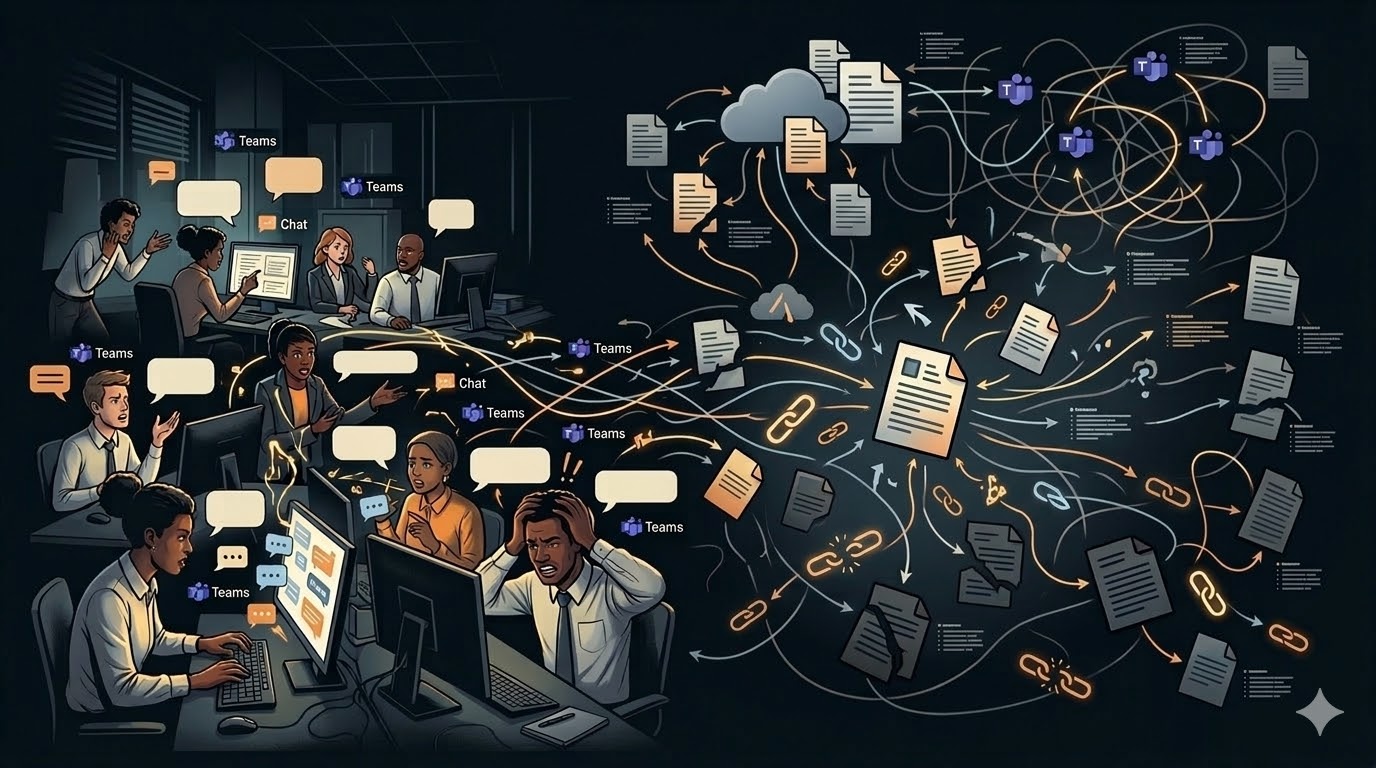 Image generated with AI
The (not) funny story
Julia is an enterprise architect at the company. She previously worked on a very specific software application for several months. Her excellent performance earned her a promotion to a more transversal role, which requires access to documentation for multiple applications and services.
She is now starting a project that demands a clear understanding of the network architecture, its relationship to the Kubernetes clusters, and how specific Helm charts are configured to set up network policies.
Julia knows she needs documentation from three teams: the network team, the platform team, and the security team. However, each team maintains its own documentation site independently, exposing them through different URLs. She attempts to guess the URLs—/network, /network-team, /net—but fails. Eventually, she resorts to checking the company’s organizational chart to identify each team’s manager and sends Slack messages to all three to obtain the URLs.
Julia wastes significant time and disrupts three managers just to access three widely known URLs.
How to avoid it?
- Always provide a central access point to the documentation with a clear structure that allows users to progressively drill down into sub-sites.
- Implement a RAG (Retrieval-Augmented Generation) system to enable quick and accurate documentation discovery using an AI assistant (e.g., via a Slack or Microsoft Teams chatbot, or a web interface).
The fuzzy GIT boundary
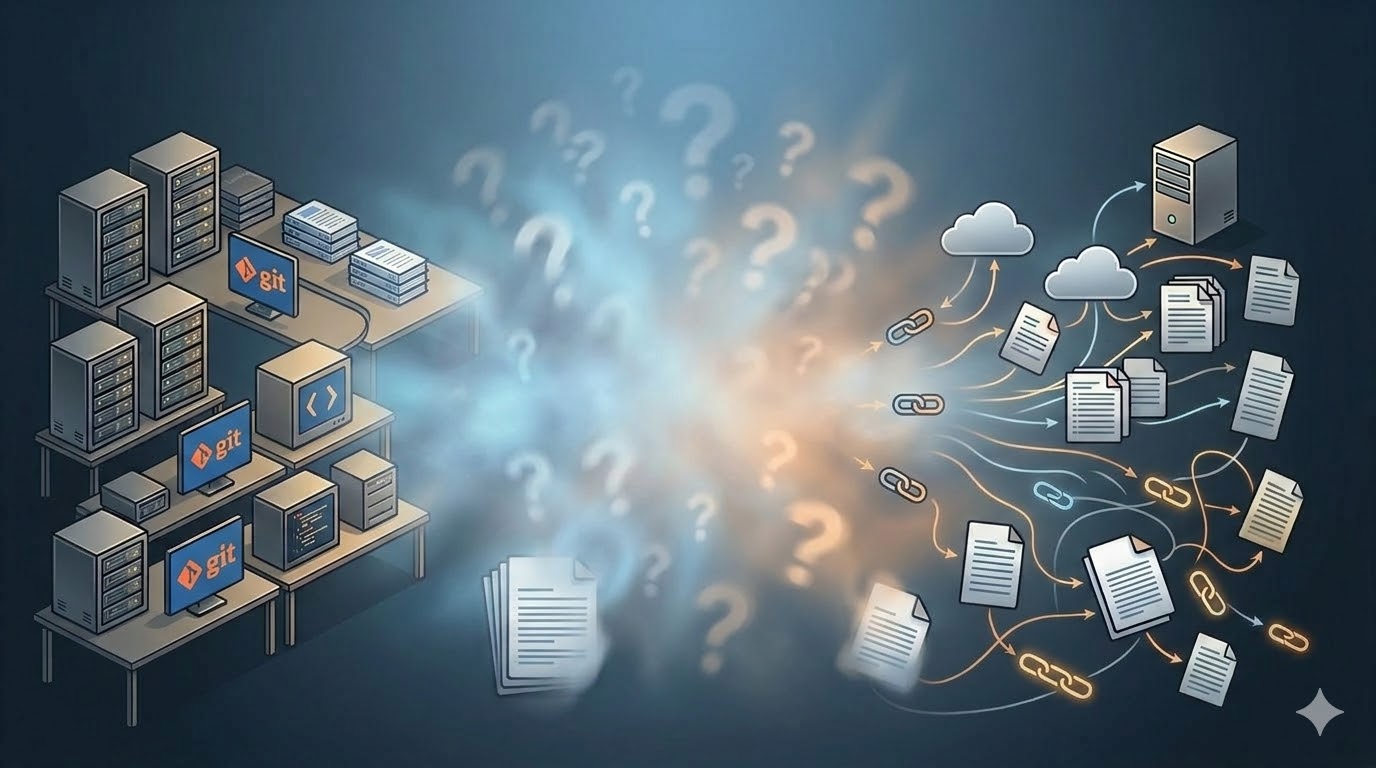 Image generated with AI
The (not so) funny story
Joe works in the platform team, where he and his colleagues maintain a highly heterogeneous platform requiring a diverse skill set. His role often involves executing CLI commands across multiple projects—running unit and integration tests, updating static site documentation, and executing Terraform and Ansible commands, among others.
The commands vary each time, and Joe needs a quick way to identify the right one for his task. His workflow is frequently disrupted: while the README.md in Git repository A is straightforward, the README.md in Git repository B is overly verbose, mixing architecture details, user guides, and runbooks. Even when commands are documented, they are inconsistently located—project B includes useful commands, but not in the same place as project A.
When Joe needs to understand a component’s architecture, the same issue arises. In project X, the README.md contains the relevant information, but in project Y, the README.md is minimal, and the documentation resides in the static site instead.
How to avoid it?
The core issue is the lack of a clear boundary between documentation in Git and the static site.
Here’s my advice:
- Restrict the
README.mdin Git repositories to only essential developer setup commands. This file should be concise, allowing developers to quickly scan it in their local environment. - Place a link to the application’s full documentation on the static site at the top of the
README.md. - Standardize
README.mdfiles using a template to ensure consistency across projects.
Conclusion
When I started this article, my goal was to list all the documentation pitfalls I had encountered during my career. I ultimately chose to describe only a subset of the most critical ones, though I recognize that many more could have been included.
To summarize, here are the key points to consider:
- Prevent tool sprawl: Limit your “main” documentation tools to 2 (or a maximum of 3), and prohibit the use of others.
- Be firm with detractors: Clearly document your documentation strategy and the 2–3 officially authorized tools in an ADR or RFC to prevent deviations.
- No absent owner: Structure your documentation so that ownership is natural. Align its structure with the list of services in your Software Catalog or CMDB.
- Update hell: Provide a standardized and easy way to render documentation locally with an efficient live-reload mechanism. Ensure the CI/CD pipelines used for publishing are fast.
- Can’t be found: A decent search engine is non-negotiable. If possible, enable users to interact with an LLM using RAG to ask questions directly.
- Disaggregated documentation: Maintain a single entry point that is easily shareable and widely known across the company.
- Fuzzy Git boundaries: Reserve the Git repository README file for quick developer setup commands. All other documentation should reside in the static docs and be referenced via links in the README files.